
Buying Guides
Mesh Wi-Fi vs Single Router: Which Do You Need?
By the Wires of Life Editorial Team · Oct 6, 2026 · 7 min read
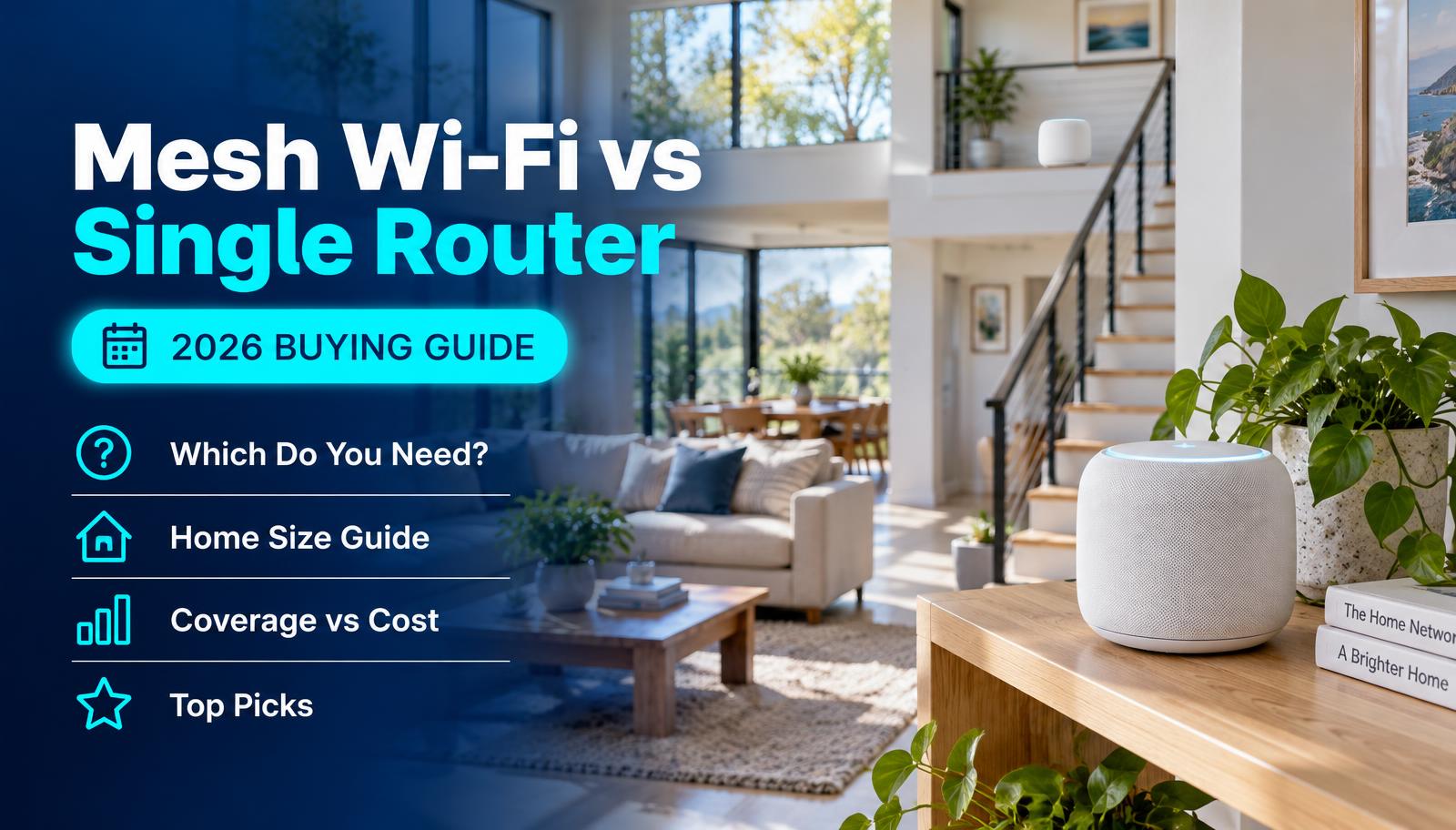
How mesh is different
A single router broadcasts from one spot. Signal weakens with distance and every wall. A mesh system places two or more units around the home that talk to each other and act as one network.
Unlike most extenders, mesh units hand your devices off automatically and keep a single network name.
Get a single router if
You live in an apartment or small one-floor home.
Your router is in a central spot and coverage is fine except one small corner.
You want the lowest price and the simplest setup.
Get mesh if
You have two or more floors, or a basement office.
Brick, plaster or concrete walls block signal.
Your modem has to sit at one end of the house.
You run lots of smart home devices, cameras and video calls at once.
Tips if you go mesh
Wire the units together with Ethernet if you can ("wired backhaul"). It's the biggest speed boost.
Place satellites halfway between the router and the dead zone, not inside the dead zone.
Mixing brands rarely works well. Wi-Fi EasyMesh aims to fix this, but stick with one brand for the best results.
Mesh or router? Check what applies
Common questions
Is mesh Wi-Fi faster than a router?
Not next to the router. Mesh is about coverage. It's faster in far rooms because the signal doesn't have to travel as far.
Can I add mesh to my current router?
Some brands let you add mesh units to their own routers. Otherwise, set the new mesh system as your main router and put your old router in bridge mode or retire it.
Sources
Last verified: November 2, 2026. This is general guidance based on official documentation. We did not run hands-on lab tests for this guide.