
Everyday AI
Using AI Assistants to Plan Your Week
By the Wires of Life Editorial Team · Oct 14, 2026 · 5 min read
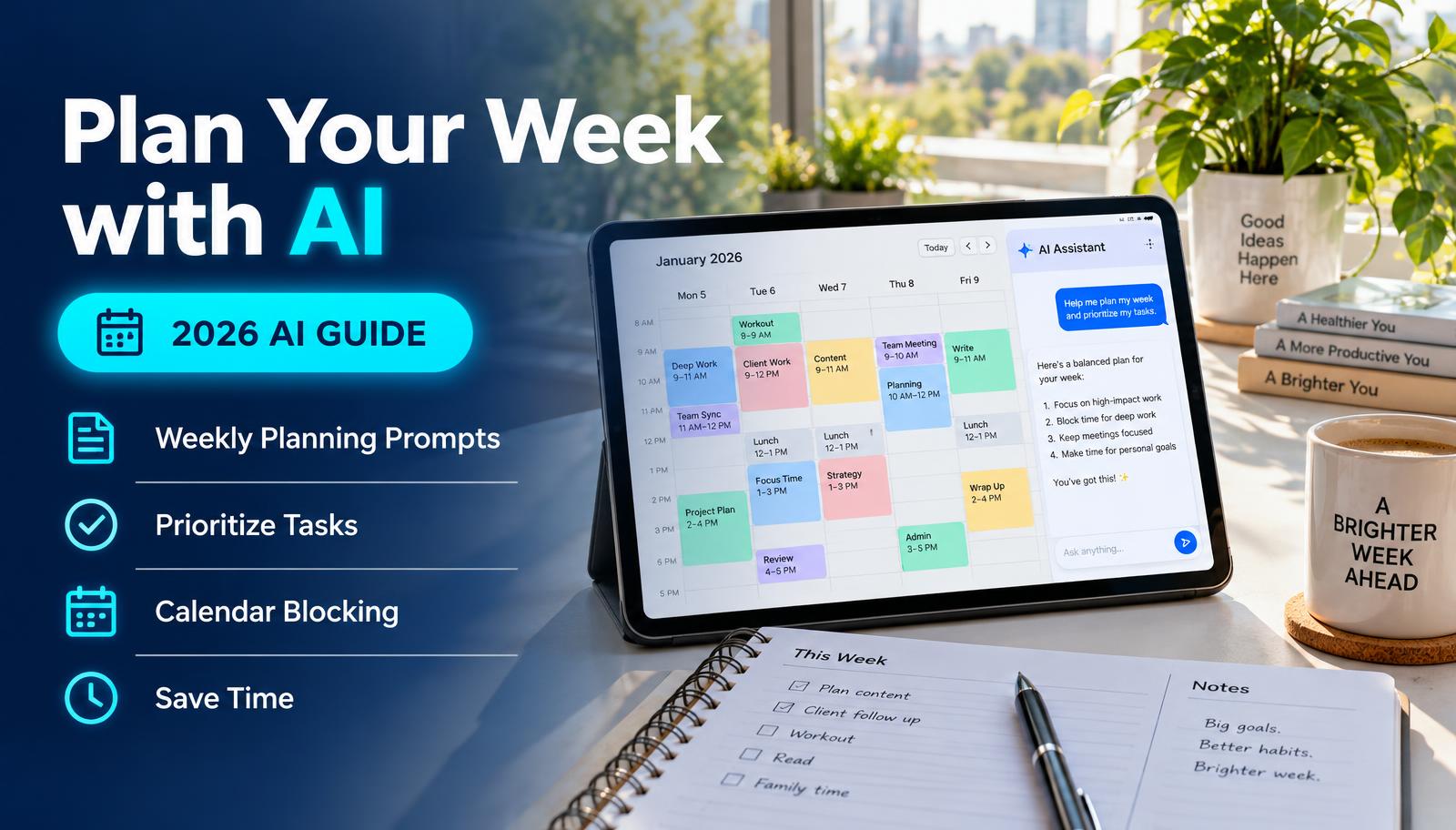
Your 20-minute weekly planning routine
- 1
Brain-dump everything
Paste every task, deadline and appointment into the assistant.
- 2
Add your fixed time
List work hours, school runs and meetings that can't move.
- 3
Ask it to prioritize
Ask for the top 3 must-dos and what can wait.
- 4
Get a day-by-day plan
Ask it to spread tasks across the week with buffers.
- 5
Move it to your calendar
Copy the blocks into your calendar app yourself.
- 6
Review on Friday
Paste what got done and ask what to carry over.
The 15-minute Sunday routine
1. Brain dump (5 min): type every task, errand and worry, in any order.
2. Add constraints: work hours, school runs, appointments, and how much energy you usually have each day.
3. Ask: "Turn this into a realistic weekly plan. Put my top 3 priorities early in the week, group small errands together, and leave one buffer block each day."
4. Push back: "Tuesday looks overloaded, move two things." Edit until it feels doable.
5. Copy the final plan into your calendar or to-do app.
Where AI helps, and where it doesn't
AI is great at sorting, grouping and spotting overload. It doesn't know your real energy levels, family surprises or what your boss just changed. Treat its plan as a first draft.
Avoid pasting sensitive work or medical details. Summarize instead ("a doctor's appointment" is enough).
Weekly planning checklist
Common questions
Which AI assistant is best for planning?
ChatGPT, Gemini and Copilot all handle this well. Pick the one connected to the calendar or email you already use.
Sources
Last verified: November 2, 2026. This is general guidance based on official documentation. We did not run hands-on lab tests for this guide.