
Tech Help
How to Set Up a Home Security System: Wi-Fi, Router and Cameras
By the Wires of Life Editorial Team · Nov 4, 2026 · 8 min read
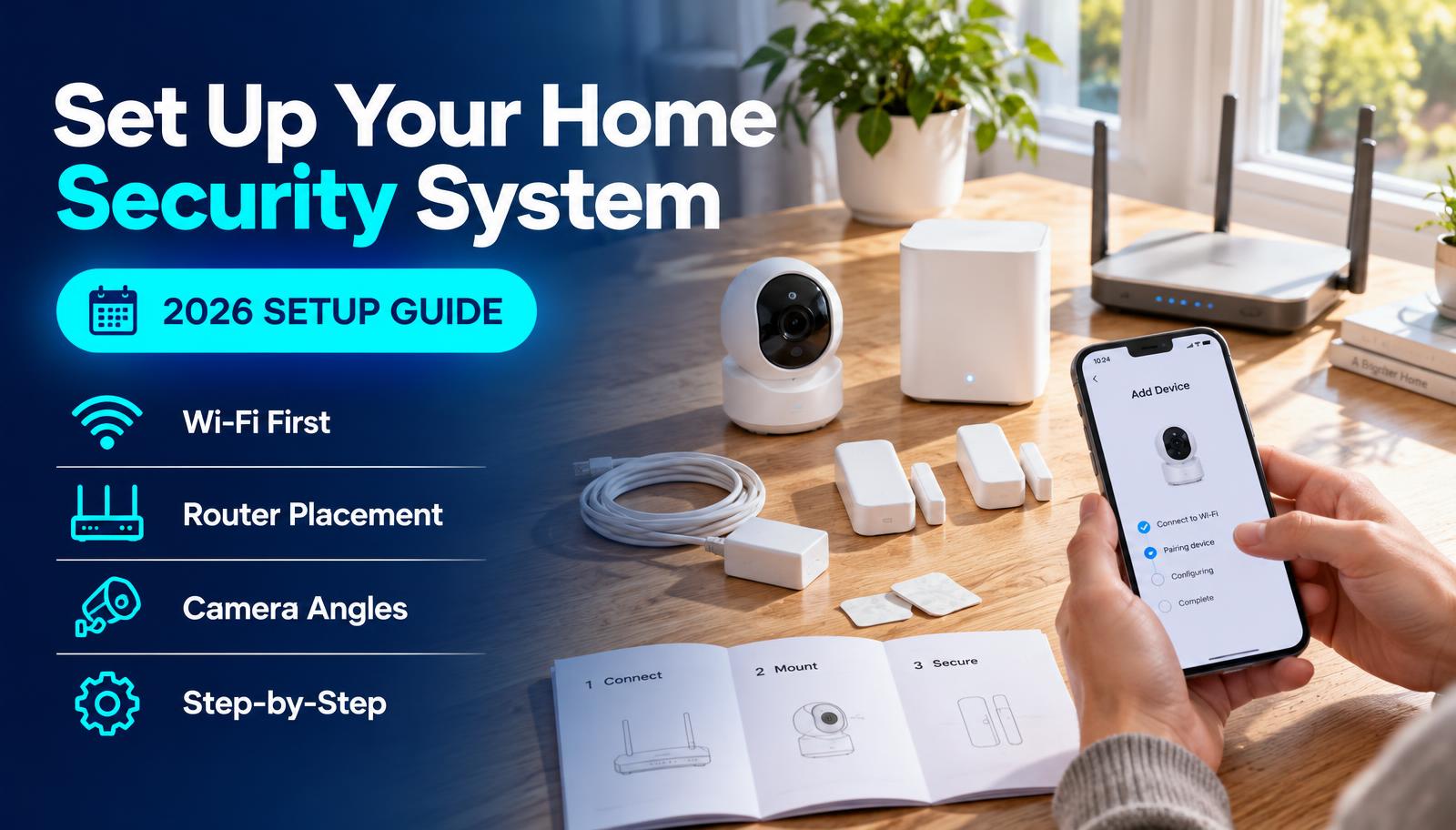
Our top picks at a glance
Compared & ranked from official specs (last verified November 2, 2026). Not hands-on tested.
| Pick | What it's for | Key spec | Storage / smart home |
|---|---|---|---|
| Fix Wi-Fi dead zoneseero Pro 6E | Mesh Wi-Fi for multi-floor homes | Up to 6,000 sq ft (3-pack) | Thread + Zigbee hub built in |
| Budget mesh (Google Home)Google Nest Wifi Pro | Mesh Wi-Fi 6E | Up to 2,200 sq ft per router | Matter + Thread border router |
| Wired door cameraTapo C120 | Indoor / outdoor camera | 2K, IP66, wired | microSD up to 512GB, no subscription |
| Wire-free yard cameraReolink Argus 4 Pro | Battery / solar outdoor camera | 4K, 180° view, IP66 | microSD up to 512GB |
#1 · Fix Wi-Fi dead zones
eero Pro 6E
- What it's for: Mesh Wi-Fi for multi-floor homes
- Key spec: Up to 6,000 sq ft (3-pack)
- Storage / smart home: Thread + Zigbee hub built in
Buy it if: Cameras keep dropping offline in far rooms or outside
Skip it if: One router already reaches every door.
Price: $199.99 (1-pack) · $499.99 (3-pack) (brand store, checked November 4, 2026)
Shop at eero eero official page#2 · Budget mesh (Google Home)
Google Nest Wifi Pro
- What it's for: Mesh Wi-Fi 6E
- Key spec: Up to 2,200 sq ft per router
- Storage / smart home: Matter + Thread border router
Buy it if: Google Home users who want easy setup
Skip it if: You need multi-gig wired ports.
Price: $199.99 (1-pack) · $399.99 (3-pack) (brand store, checked November 4, 2026)
Shop at Google Store Nest Wifi Pro specs#3 · Wired door camera
Tapo C120
- What it's for: Indoor / outdoor camera
- Key spec: 2K, IP66, wired
- Storage / smart home: microSD up to 512GB, no subscription
Buy it if: Doors and garages near an outlet
Skip it if: There's no power nearby.
Price: $35.99 (sale; list $44.99) (brand store, checked November 4, 2026)
Shop at Tapo Tapo C120 datasheet#4 · Wire-free yard camera
Reolink Argus 4 Pro
- What it's for: Battery / solar outdoor camera
- Key spec: 4K, 180° view, IP66
- Storage / smart home: microSD up to 512GB
Buy it if: Driveways and yards with no outlet
Skip it if: You want 24/7 recording.
Price: $179.99 with solar panel (sale; list $214.99) (brand store, checked November 4, 2026)
Shop at Reolink Reolink Argus 4 Pro specs
Setup in the right order
- 1
Map your entrances
List the front door, back and side doors, driveway and hidden ground-floor windows. That's where cameras and sensors go.
- 2
Test Wi-Fi at each spot
Stand where each camera will go and run a speed test on your phone. Under about 2 bars or very slow uploads means the camera will drop offline.
- 3
Move the router
Put it central, raised and in the open: not in a cabinet, basement corner or behind the TV.
- 4
Add mesh if spots are still weak
Place a mesh unit halfway between the router and the weak area, not in the dead zone itself.
- 5
Mount cameras high and tilted
About 8–10 ft up, tilted 15–30° down, door near the middle of the frame. Under an eave if you can.
- 6
Check the view at night
Open the live view after dark. Move cameras that face a porch light or street lamp.
- 7
Lock down the accounts
Strong unique passwords, two-factor login on the camera app and router, and auto-updates on.
Why Wi-Fi comes first
Cameras upload video constantly, so they need a stronger signal than a phone does. A camera at the edge of your Wi-Fi will miss clips or go offline, which looks like a broken camera but isn't.
Fix the signal first and every camera you add later just works. For more on speed, see our home Wi-Fi guide.
Router placement in one minute
Central and high beats fast and hidden. Every wall, floor and appliance between router and camera eats signal; mirrors, fish tanks and microwaves are the worst.
If the modem sits in a corner, run a longer cable to move the router, or add a mesh unit toward the cameras.
Camera angles that actually catch faces
Tilt down so the frame reaches the ground a few feet in front of the door. Aim along paths, not straight across them, so people stay in view longer. For zone-by-zone detail, see our camera placement guide.
How we picked
Products were chosen from official spec sheets and priced from each brand's own store. We haven't run hands-on tests. Sale prices change often, so check before you buy.
Home security setup checklist
Common questions
Do I need a new router for security cameras?
Not always. Try moving your current router first. Upgrade or add mesh only if camera spots still show a weak signal.
How much does a basic setup cost?
Using the picks here: two Tapo C120 cameras are about $72 on sale, plus about $200 if you need a single mesh unit. Add microSD cards.
Wired or battery cameras?
Wired for doors near an outlet (no charging, 24/7 recording). Battery or solar where there's no power.
Sources
Last verified: November 2, 2026. This is general guidance based on official documentation. We did not run hands-on lab tests for this guide.